

Construction management, from design to handover.
Documents and drawings with approvals, punch items pinned on the plan, checklists, daily reports and 3D models. The office and the site working from the same information, on the computer and on the phone.
- Documents with approvals
- Drawings and markup
- Punch items and RFIs


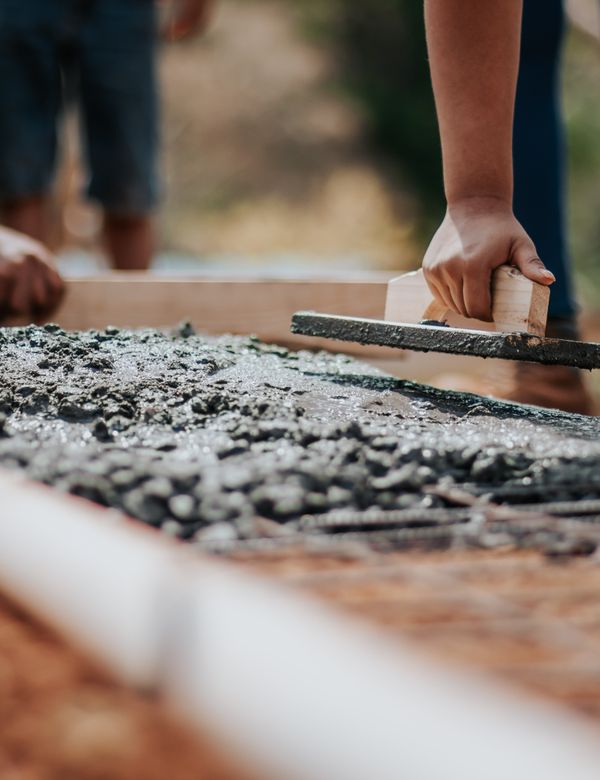

Design, site and office on the same information
The 3D model, the drawings with their punch items and the daily report in one place, from the office to the site.
The BIM model right in the browser
Open the IFC exported from Revit, ArchiCAD or Tekla with nothing to install. Orbit, cut by floor, measure in metres and leave comments on the exact spot of the model.
- IFC, GLB, STL and OBJ in the browser and on the phone
- Sections, measures and comments on the model
- Versions and approvals like any document

Punch items with photos, pinned on the plan
On the site walk, the crew takes a photo, says what needs fixing and pins the spot on the plan. Each item gets a number, an owner and a due date, and the pin turns green once it is fixed.
- Number, photo, owner and due date
- Carried to the next revision of the drawing
- Punch list PDF for the subcontractor

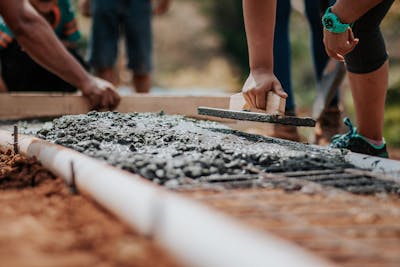
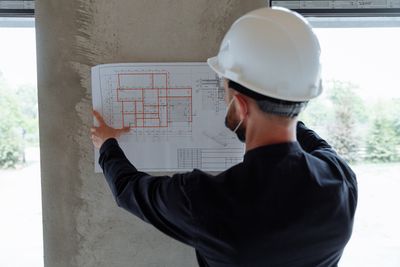

Level 6 slab pour completed. Level 5 masonry at 70%. Clear morning, light rain in the afternoon. Crew on site: 18.
Daily reports done in minutes
The daily report already holds the check-ins, punch items and tasks logged on site. The foreman adds weather, crew, work done and photos, closes the day and the PDF is ready to sign.
- Weather, crew, equipment and photos
- Check-ins and punch items of the day filled in
- Closed daily PDF for the client
Every project, from the office to the site.
Pick an area and see the screens your team will use.
Every project and its overview.
-
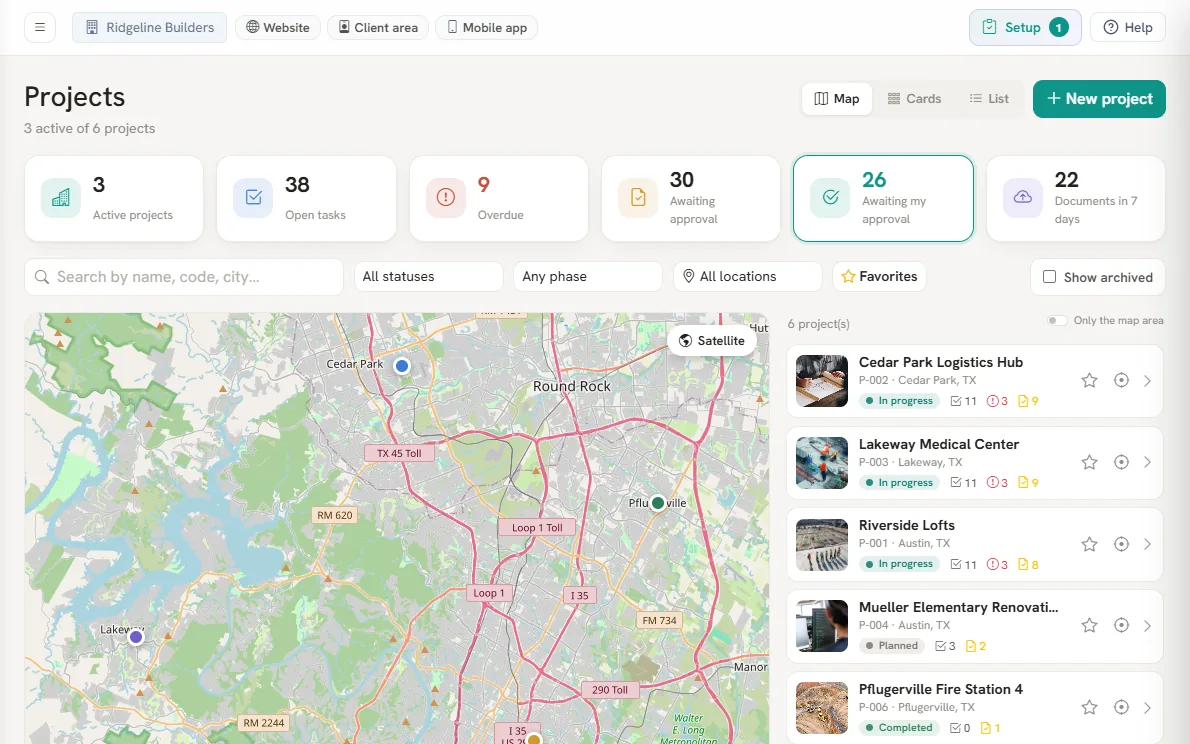
- Map, cards or list
- Overdue items at a glance
- Favorites and filters
-
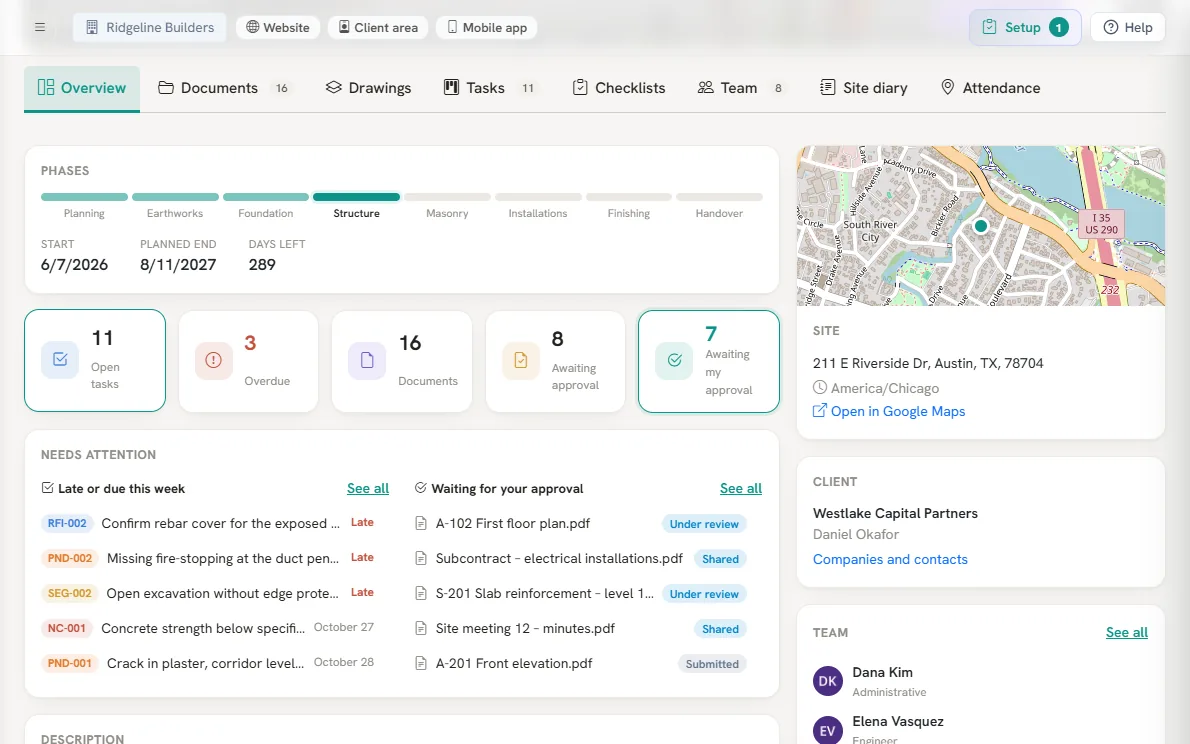
- Phases and days left
- What needs attention
- Site, client and team
-
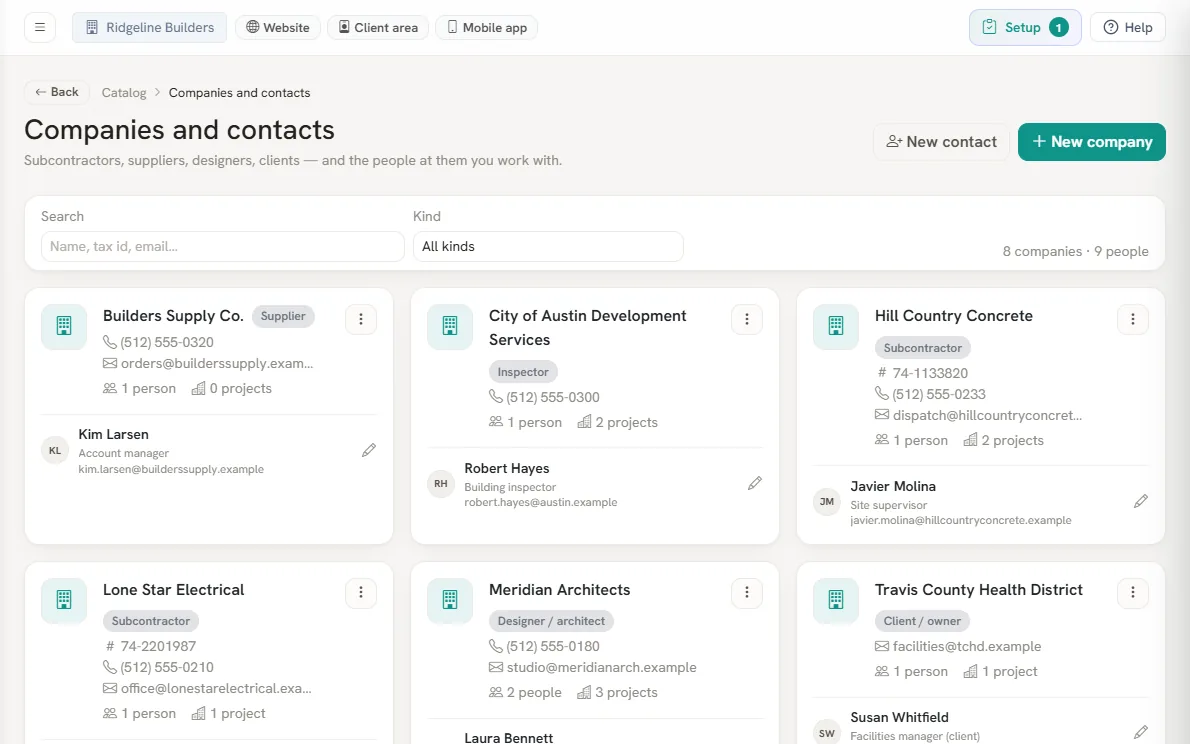
- Roles per project
- Named on punch items
- Transmittals on record
- Map, cards or list
- Overdue items at a glance
- Favorites and filters
- Phases and days left
- What needs attention
- Site, client and team
- Roles per project
- Named on punch items
- Transmittals on record
Versions, approvals and transmittals.
-
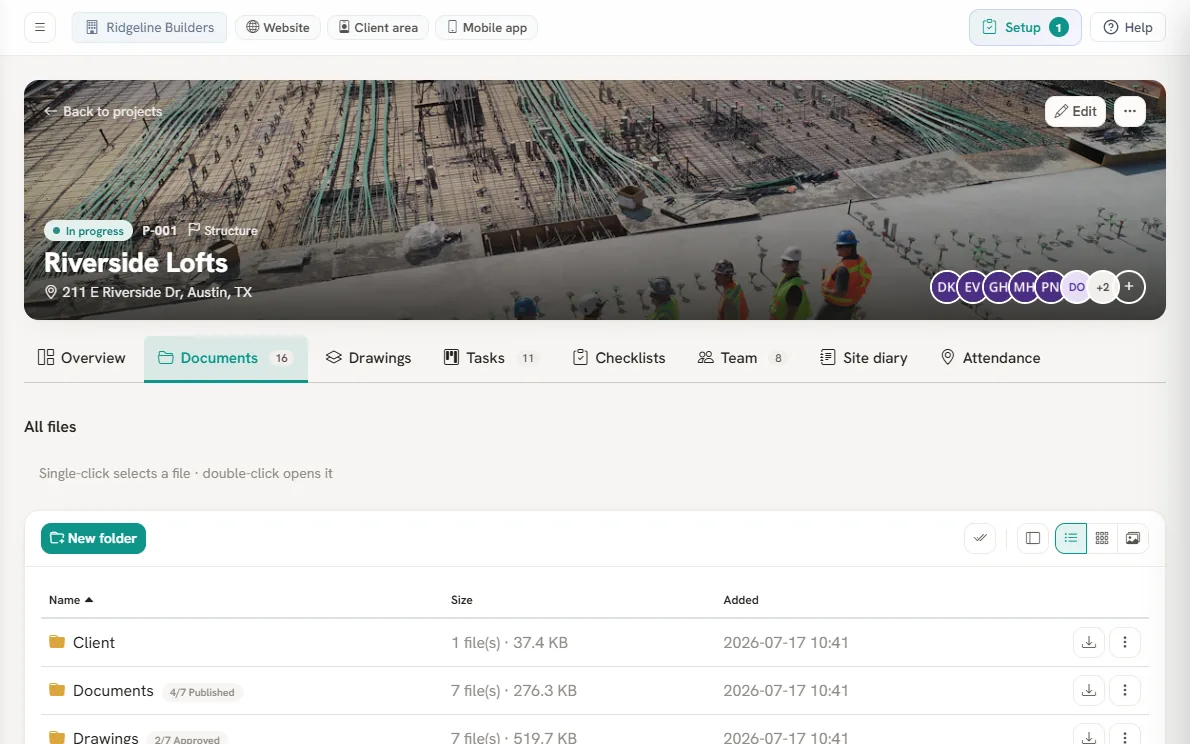
- ISO 19650 status per file
- Compare two revisions
- Send with a transmittal
-
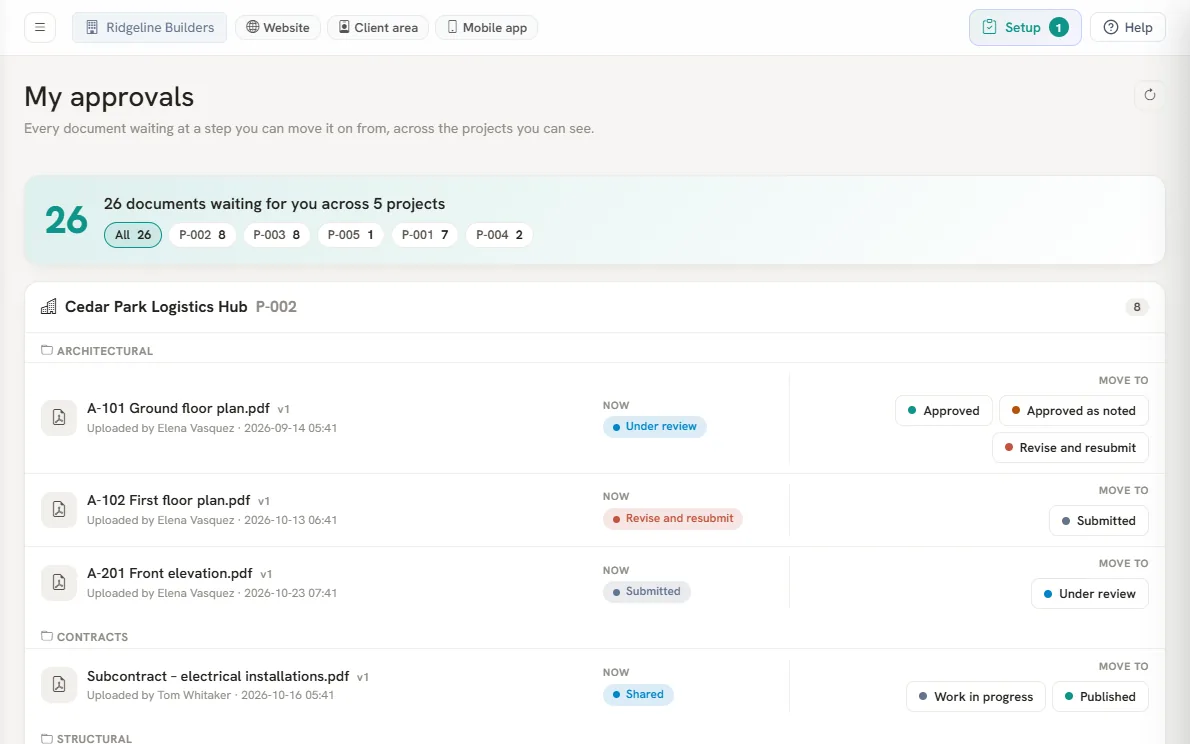
- One queue for every project
- One click per step
- Email at 7:30, Monday to Saturday
- ISO 19650 status per file
- Compare two revisions
- Send with a transmittal
- One queue for every project
- One click per step
- Email at 7:30, Monday to Saturday
The sheet register and markup.
-
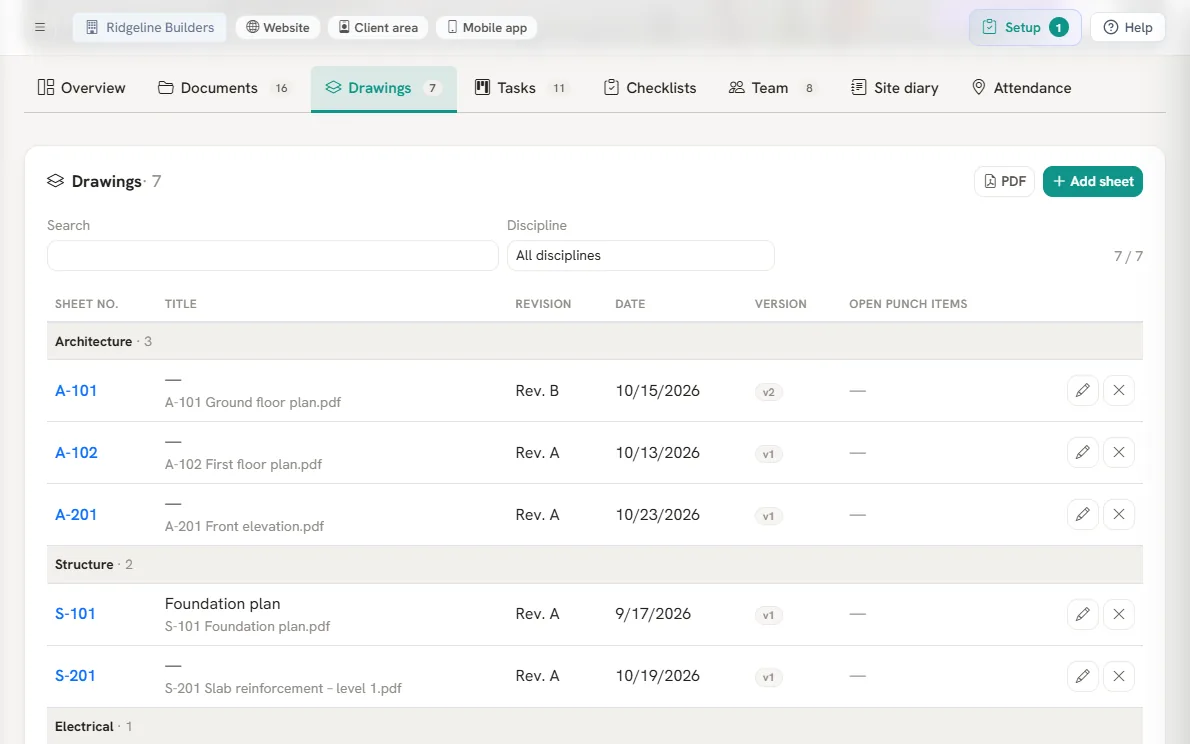
- Read from the title block
- Grouped by discipline
- Open punch items per sheet
-
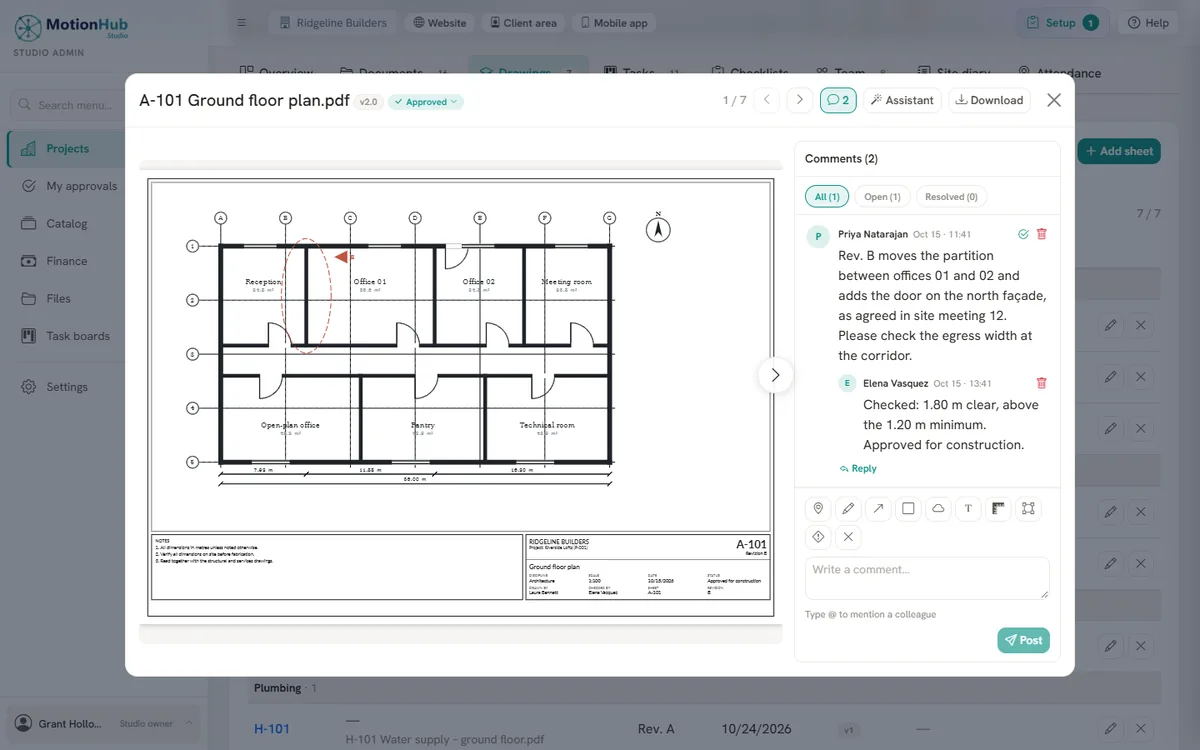
- Measures to scale
- Revision clouds
- Comments on the spot
- Read from the title block
- Grouped by discipline
- Open punch items per sheet
- Measures to scale
- Revision clouds
- Comments on the spot
Punch items, checklists and the daily report.
-
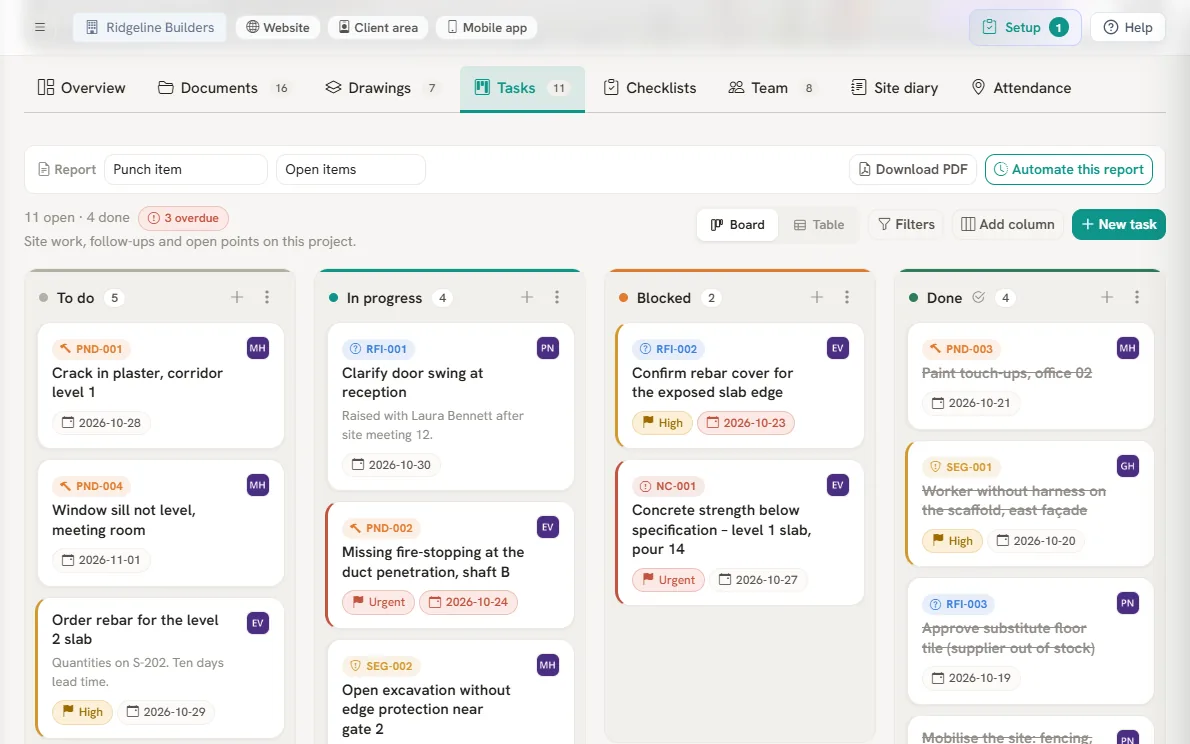
- PND-012, RFI-004 numbering
- Board or table
- Register as PDF or scheduled email
-
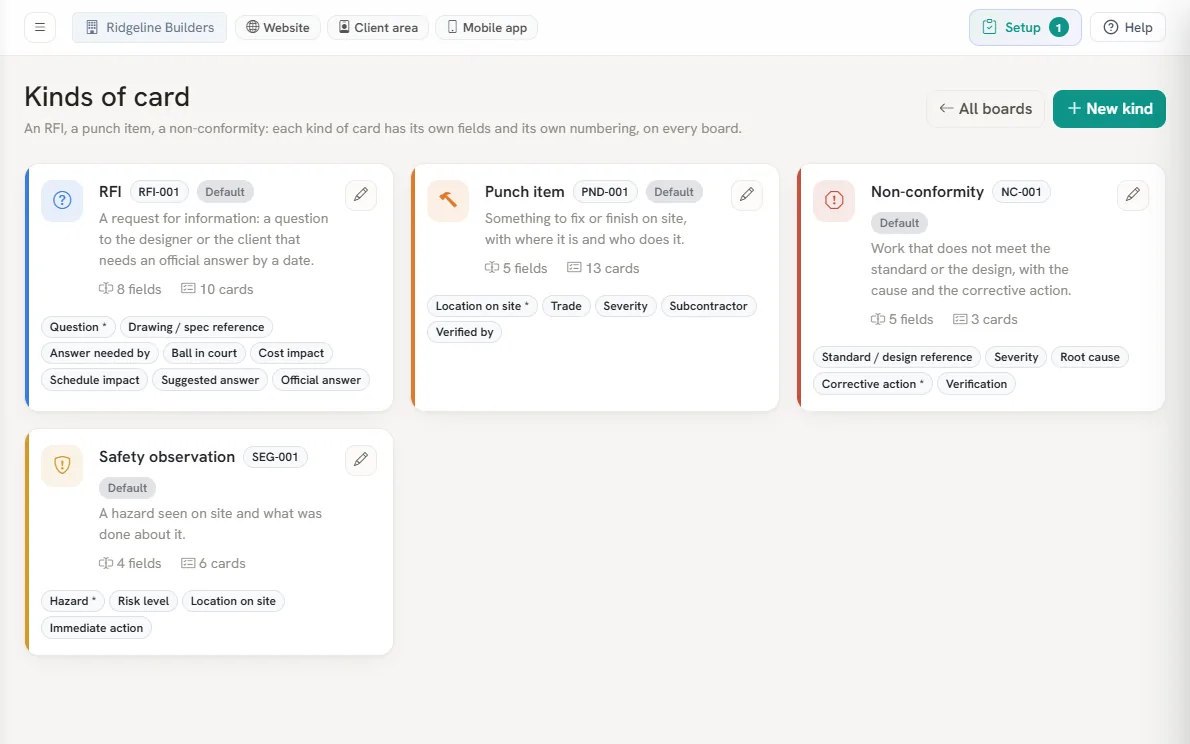
- Fields per kind
- Its own numbering
- Add your own kinds
-
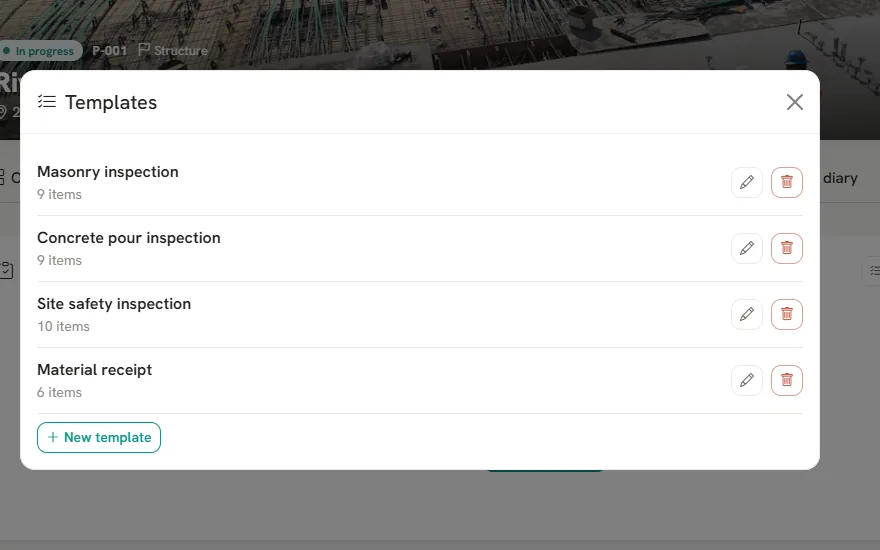
- Quality and safety templates
- A failure becomes a punch item
- PDF ready to sign
-
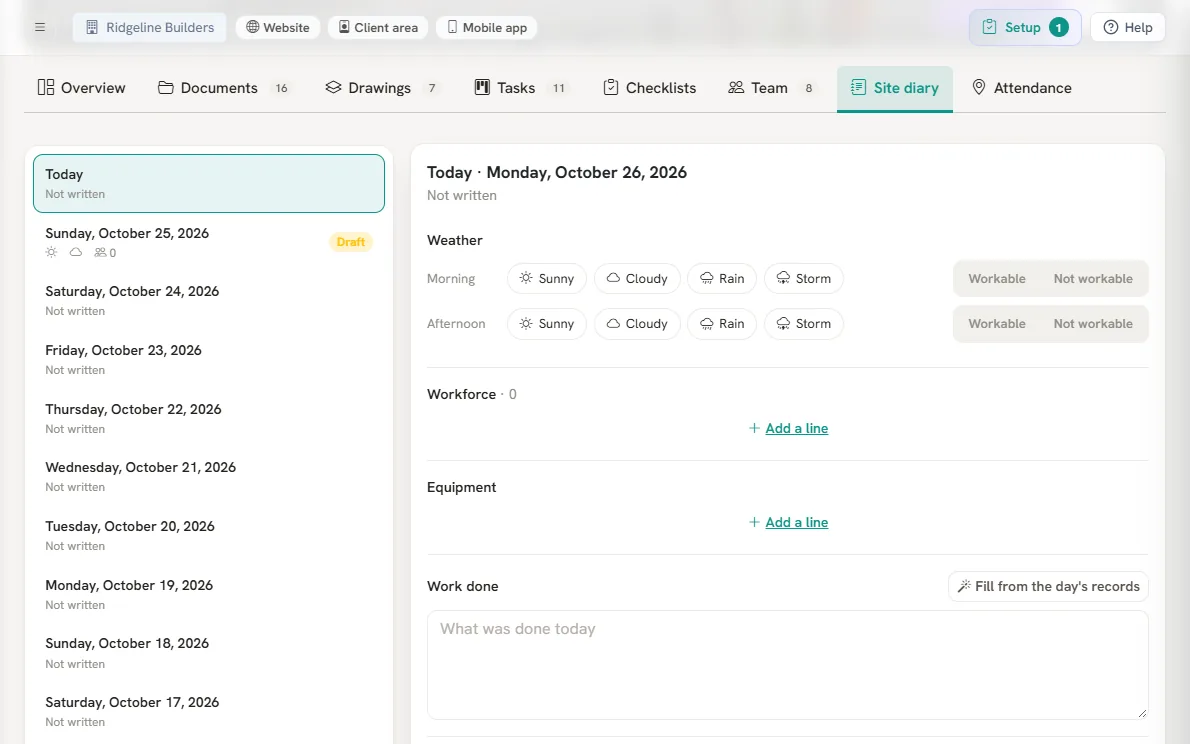
- Weather morning and afternoon
- Crew and equipment
- Crew check-in from the phone
- PND-012, RFI-004 numbering
- Board or table
- Register as PDF or scheduled email
- Fields per kind
- Its own numbering
- Add your own kinds
- Quality and safety templates
- A failure becomes a punch item
- PDF ready to sign
- Weather morning and afternoon
- Crew and equipment
- Crew check-in from the phone
The right revision in every hand.
Every project has its own document register. The drawing list builds itself from the title blocks of the PDFs, each revision goes through review and approval, and the site opens the approved version.
- Approval workflows and a My approvals queue
- Revision comparison and a list of what changed
- Transmittals with a record of who received them
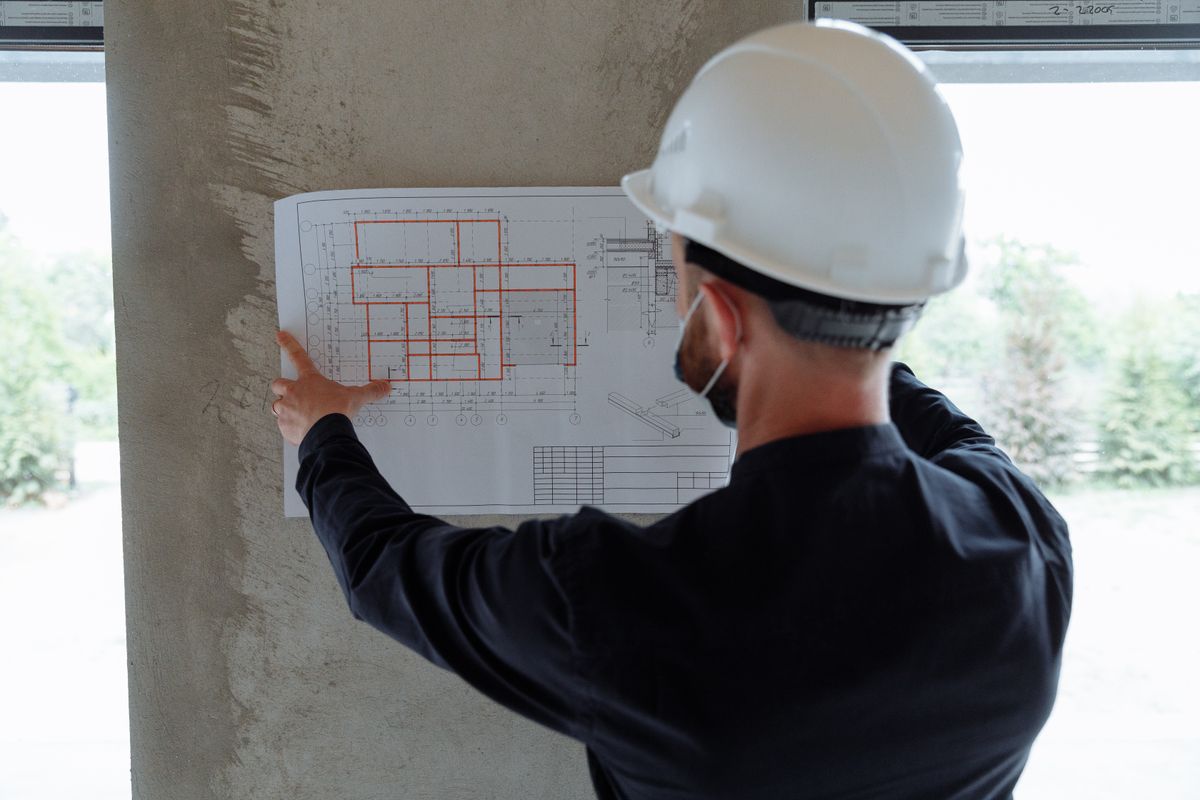
From site walk to report, without paper.
On the phone, a punch item is logged with a photo and one spoken line, even without signal, and lands on the project board with a number and an owner. Checklists and daily reports complete the record, with PDFs ready for the client and the inspector.
- Punch walks that work without signal
- Punch list, RFI and NC registers as PDF or scheduled email
- Projects on a map with what needs attention

Tailored plans
Your proposal is built in the demo, based on the size of your operation.
See the solution in your company.
Guided demo and commercial terms set per company.